

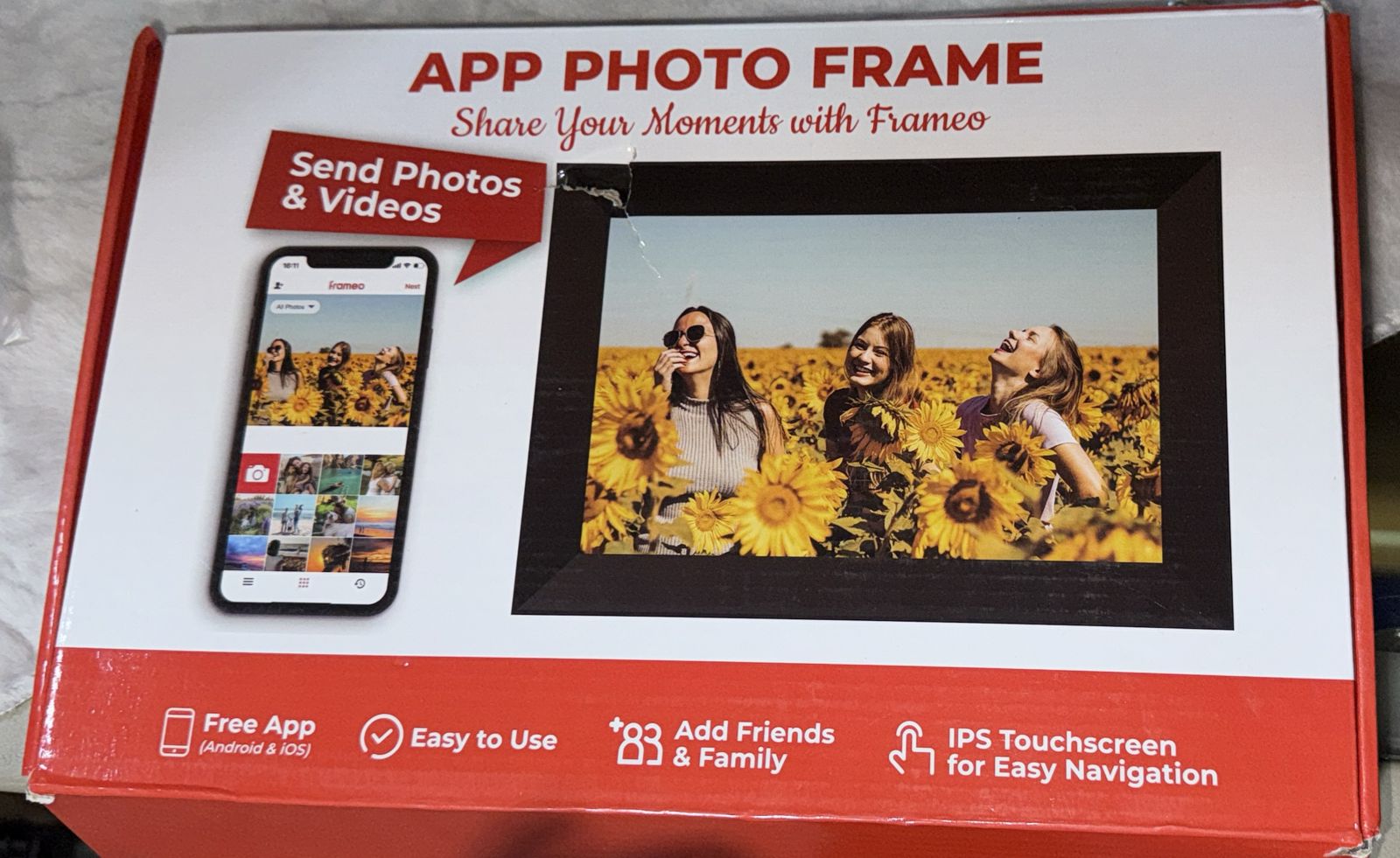




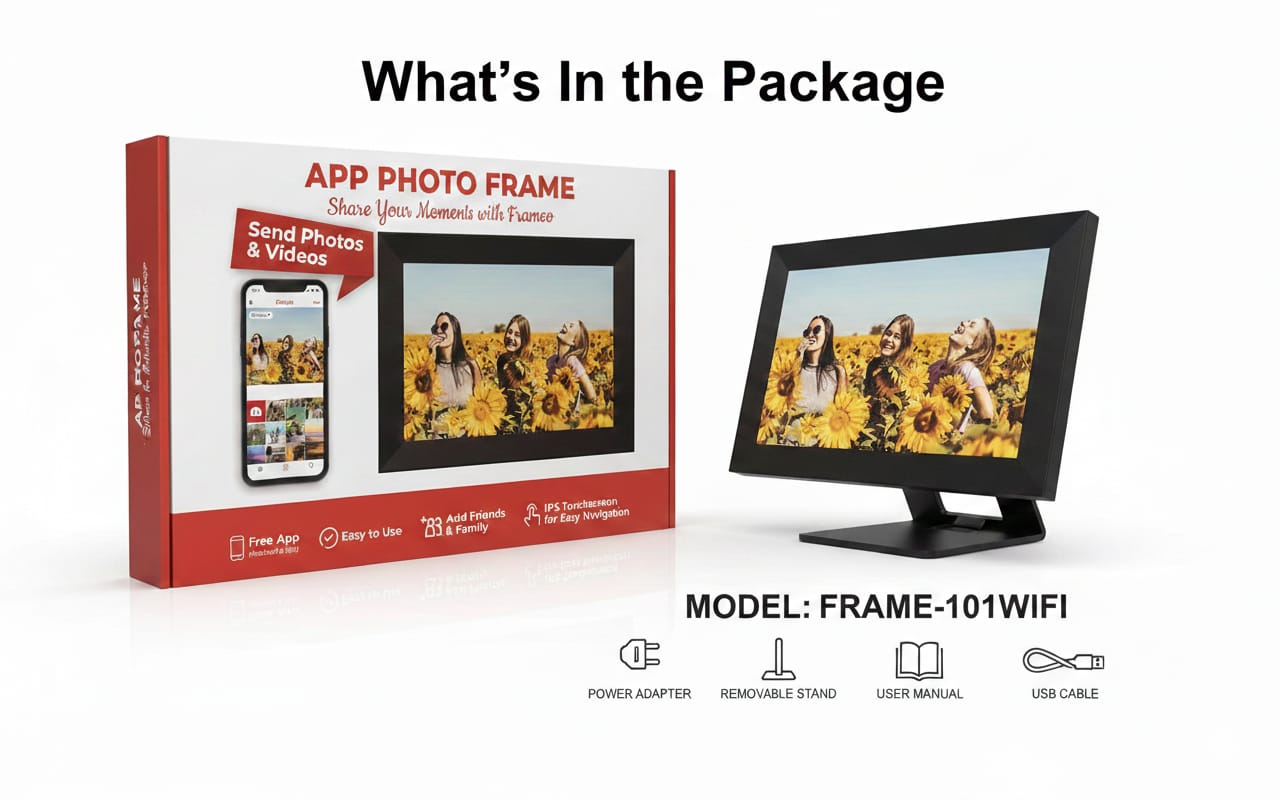
Smart Wi-Fi Digital Photo Frame – Model: FRAME-101WIFI
Original price was: 100,00 €.90,00 €Current price is: 90,00 €.
& Free ShippingKey Features
Wi-Fi Connectivity
* Connects to WiFi so photos and videos can be sent directly from a smartphone app to the frame.
Smartphone App (Frameo or Compatible)
* Free app for iOS & Android (Frameo or similar)
* Easily upload photos & short videos from anywhere.
* Share memories with family or friends remotely.
Display
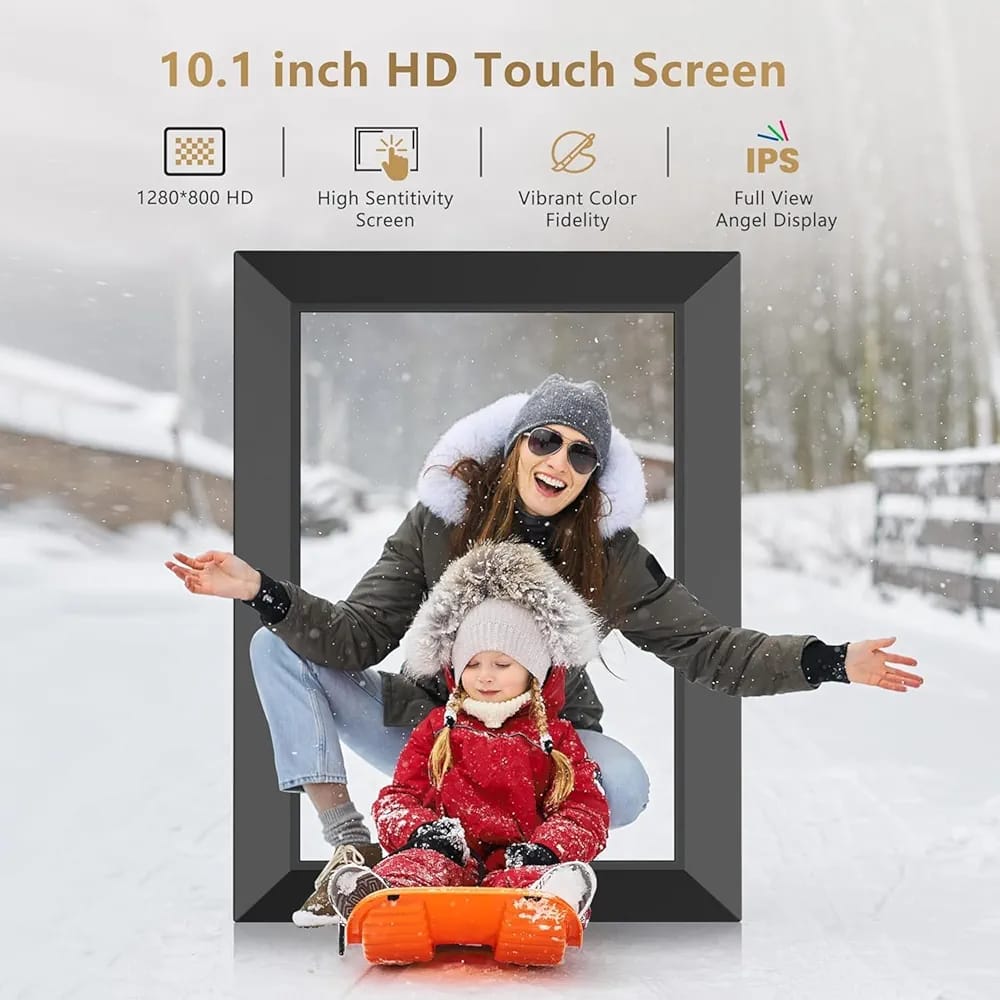
* 10.1-inch IPS touchscreen
* High resolution – typically 1280×800 pixels
* Wide viewing angles and vivid colors.
Media Support
* Displays photos (JPEG, PNG etc.)
* Plays short videos (MP4, etc. depending on frame model)
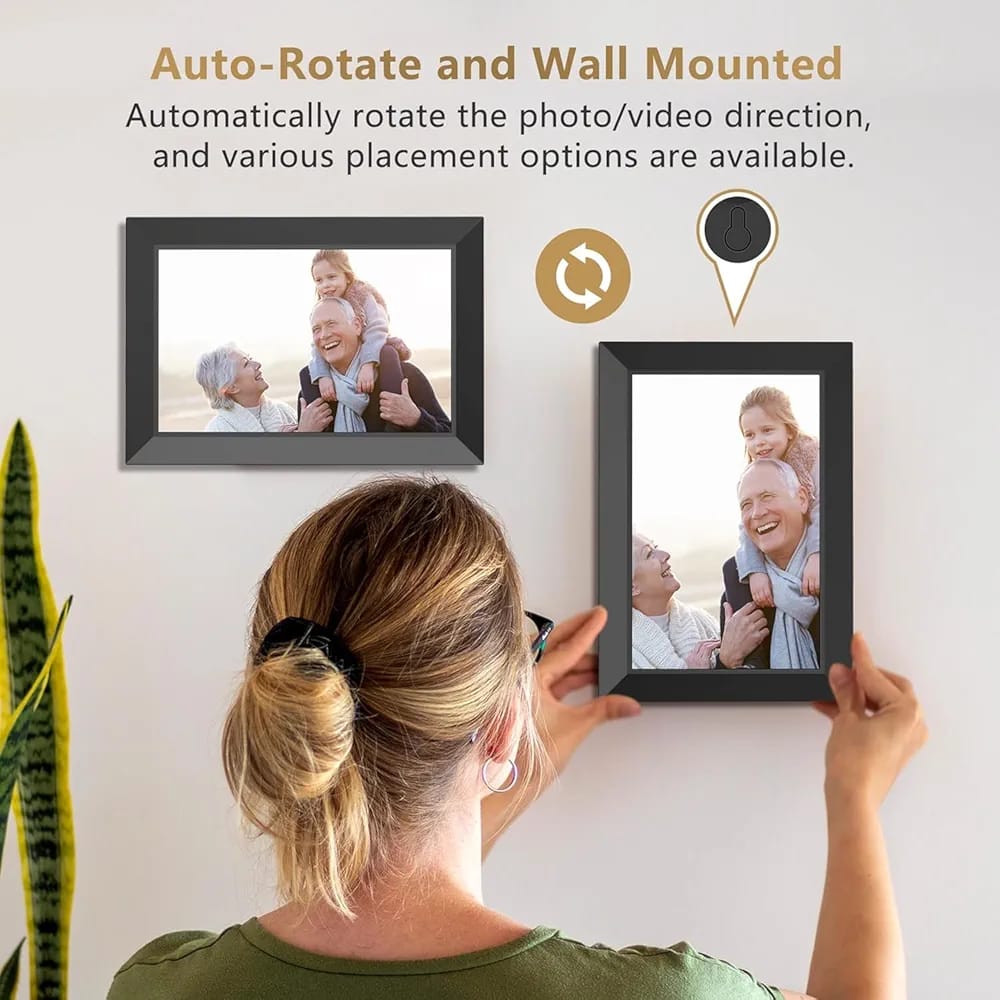
* Auto-rotate orientation (landscape / portrait) supported.
Storage & Memory
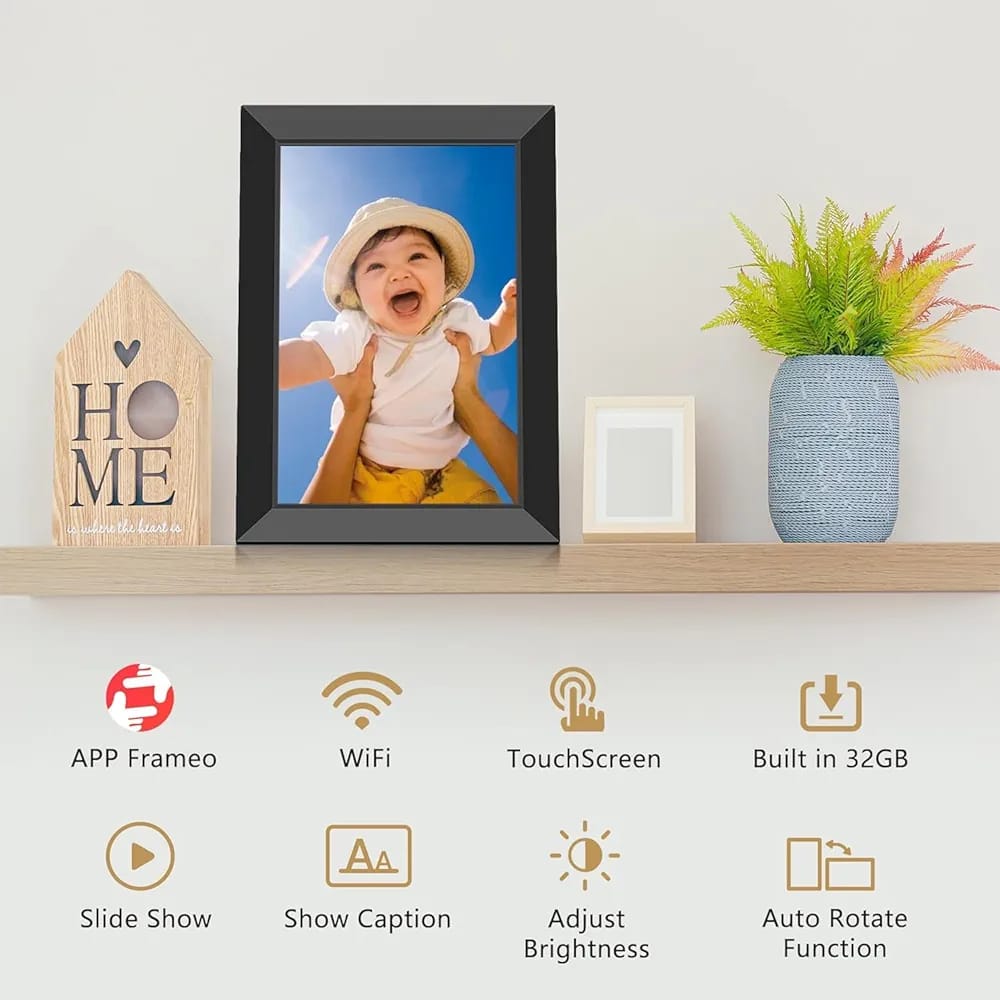
* Built-in internal storage (often 8GB – 32GB depending on exact specification)
* Supports additional microSD cards or USB memory (on similar models).
User Experience
* Easy setup with touchscreen
* Automatic slideshow
* Frame stays updated through app
* Remote sharing & multi-user support
How it Works
Install the free smartphone app (Frameo or provided app).
Connect the frame to your Wi-Fi network.
Send photos & short video clips from your phone directly to the frame over Wi-Fi.
Frame displays images in slideshow automatically.
Specification Details
Screen Size – 10.1 inches
Display Type – IPS Touchscreen
Resolution ~1280 × 800 (HD)
Connectivity – Wi-Fi (2.4 GHz)
Storage – Internal; microSD/USB support
Photo Formats – JPEG, PNG
Video Formats – MP4 (Frameo app limit usually short clips)
App Compatibility – iOS & Android
Related products
-
All
Dust & mite controller, bed bugs Remover
Original price was: 45,00 €.40,00 €Current price is: 40,00 €. Add to cart




Reviews
There are no reviews yet.